 Watchbound
Local baby monitor
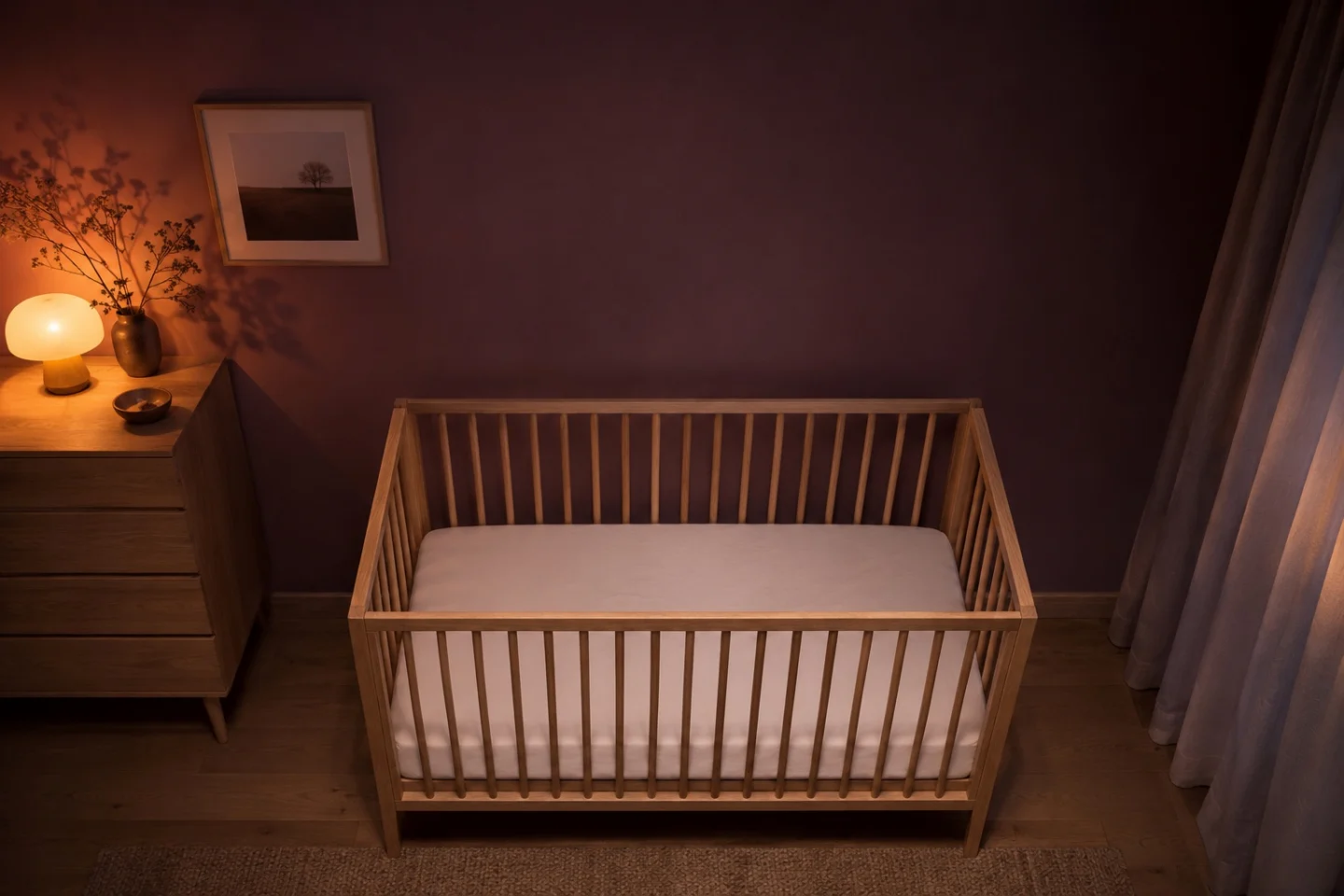
Keep your nursery in view.
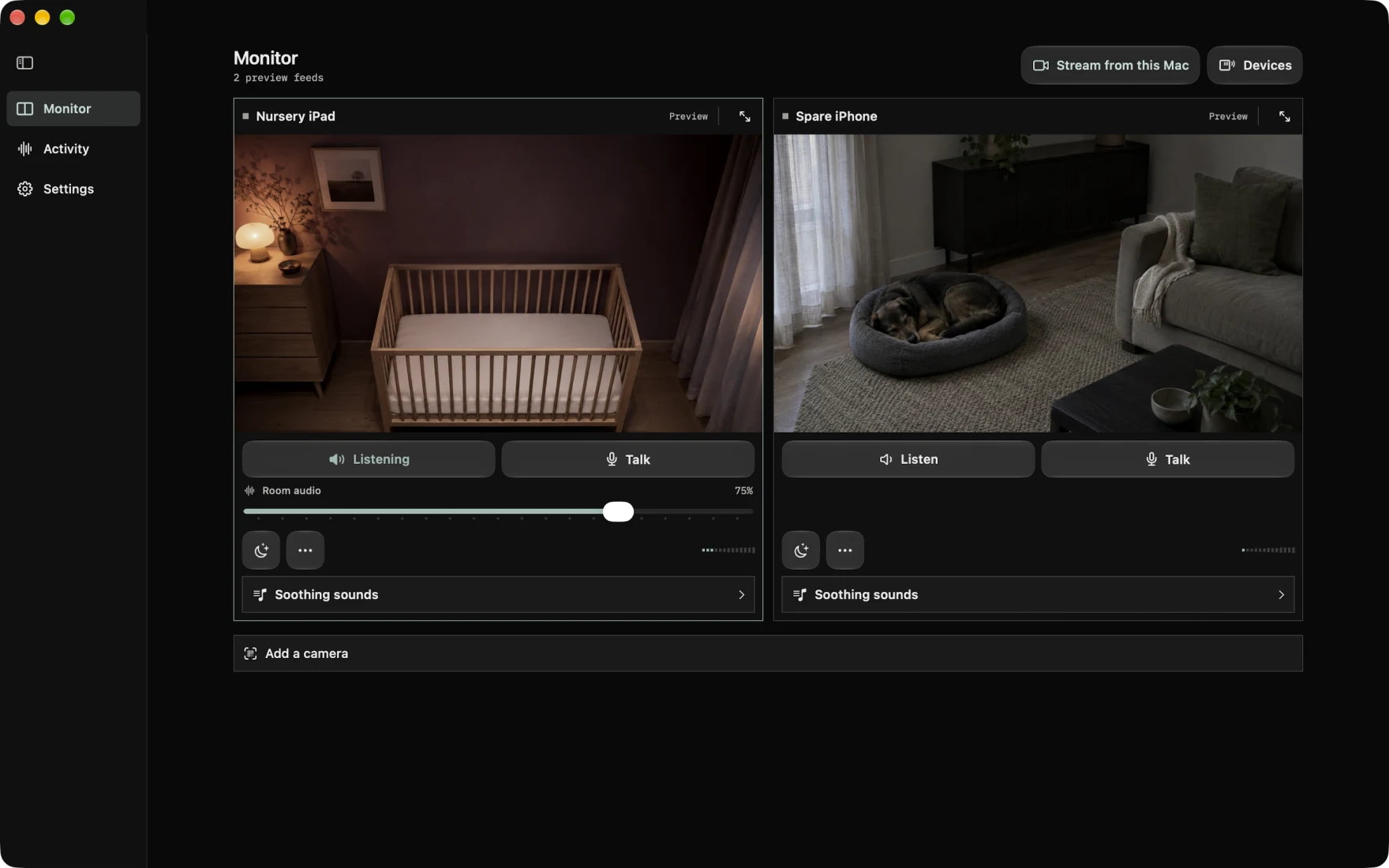
Turn a spare iPhone, iPad, or Mac into a camera. Watch, listen, and talk over your own network.
Watch on
- iPhone
- iPad
- Mac
- Apple Watch
- Apple TV
- Apple Vision Pro
Choose the camera you want to hear.
Keep several feeds in view on iPhone, iPad, or Mac. Open one full screen and listen to the room you choose.
- Room audio and talkback
- Adjust the selected room’s volume or talk through the camera device.
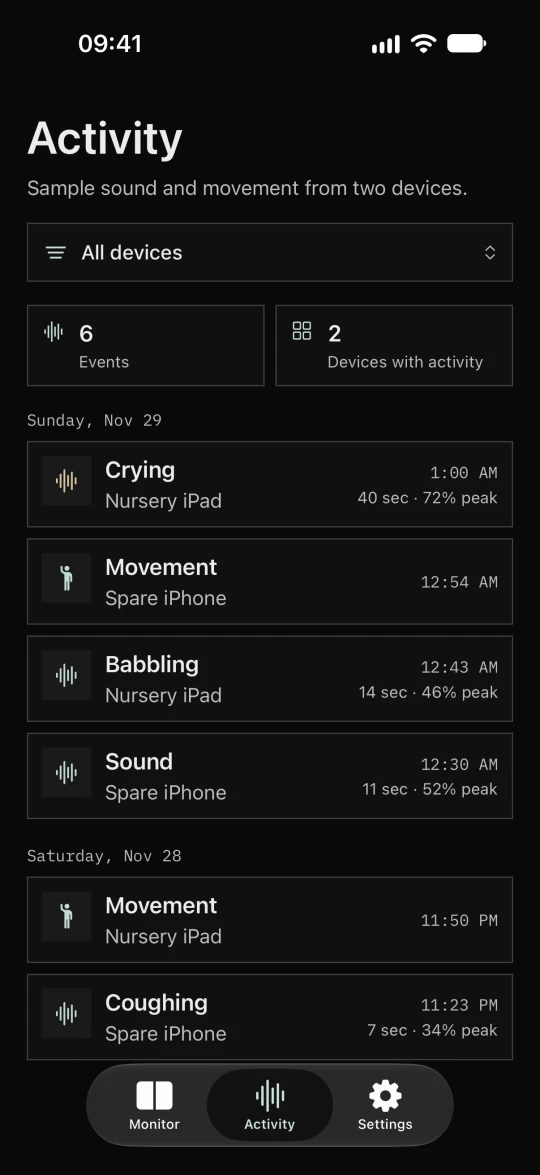
- Sound and movement
- Check Activity for recent events and filter by the device that detected them.
- Soothing sounds
- Play background noise, a heartbeat, or a lullaby through the camera, with a sleep timer.
Set up with two devices.
Start the camera
Open Watchbound on an iPhone, iPad, or Mac. Choose Stream this camera and start streaming.
Pair your viewer
On the same local network, choose Watch cameras on your viewer and scan the camera’s pairing code.
Keep the stream running
Leave Watchbound open on the camera. Keep the device and its power cable out of reach.
On your devices
Video and sound stay on your network.
A pairing code connects your devices. Watchbound encrypts video and audio between them and keeps the activity log on your devices.